Branded badges. Auto-expire at checkout.
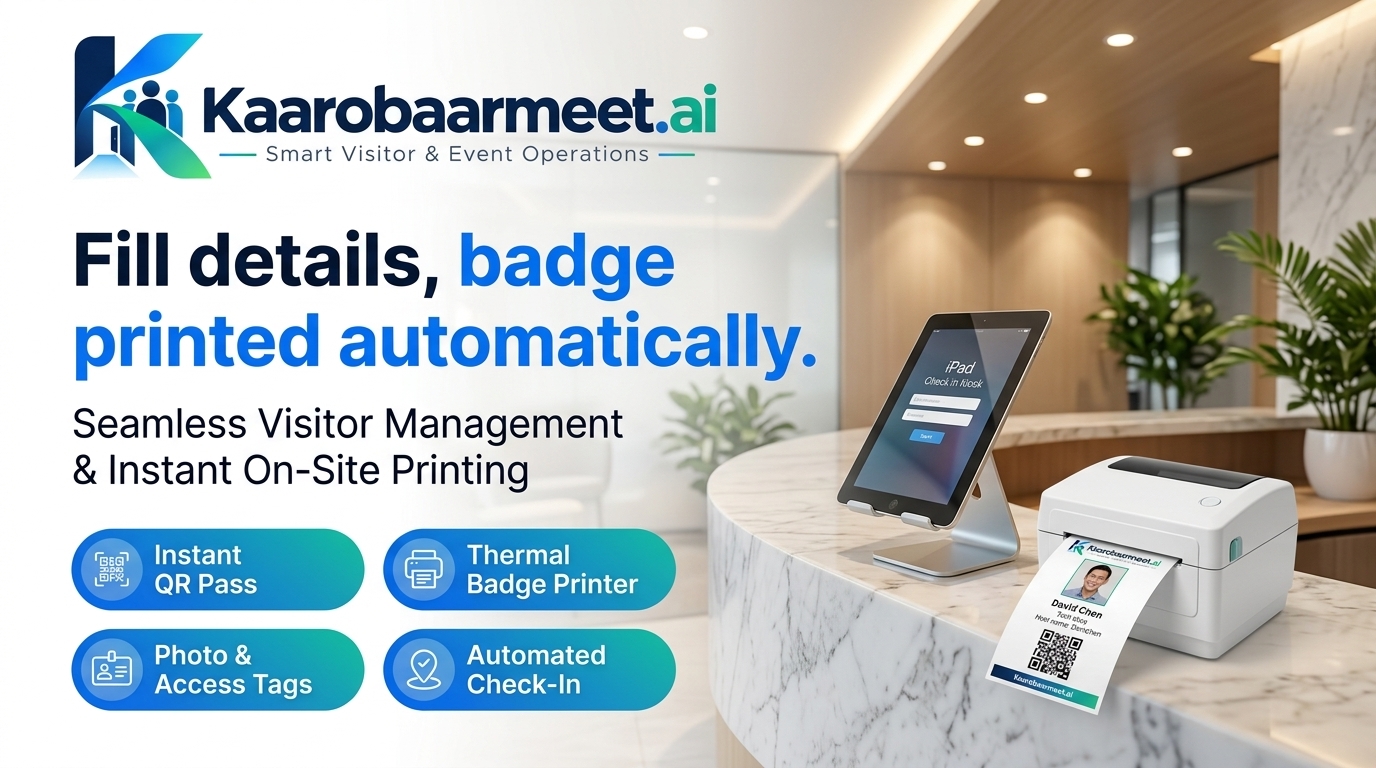
Print custom-branded visitor badges the moment someone checks in — with QR codes, photo, and automatic expiry. No badge lingers beyond its visit.
How Check-In & Badges Works

Badge Designer
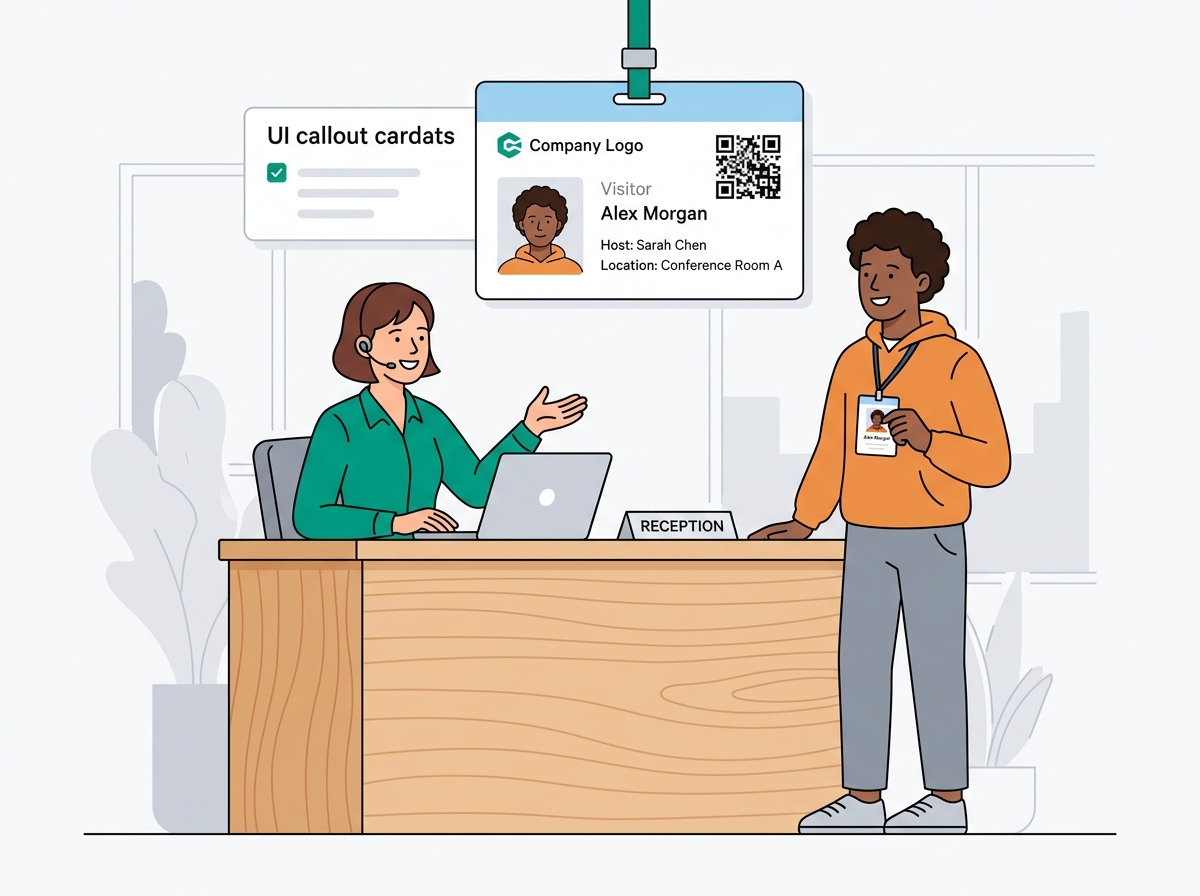
Drag-and-drop editor to place your logo, visitor photo, name, company, host, and QR code on your badge template.

Auto-Print on Check-In
Badge prints automatically the moment a visitor completes check-in — no staff action required.

QR Code per Badge
Every badge carries a unique QR code linked to the visit record — scannable at gates and checkpoints.

Photo Capture
Webcam or kiosk camera captures the visitor's photo at check-in and embeds it on the badge.
Auto-Expire on Checkout
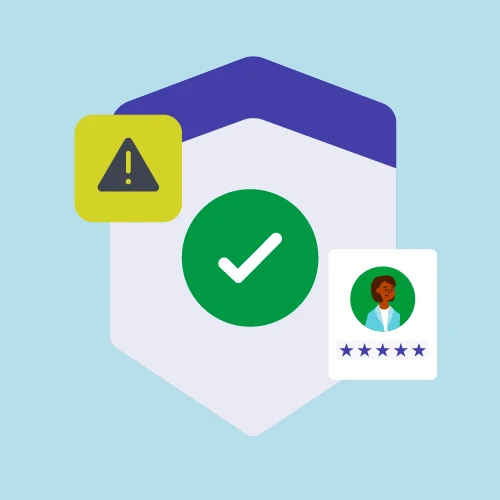
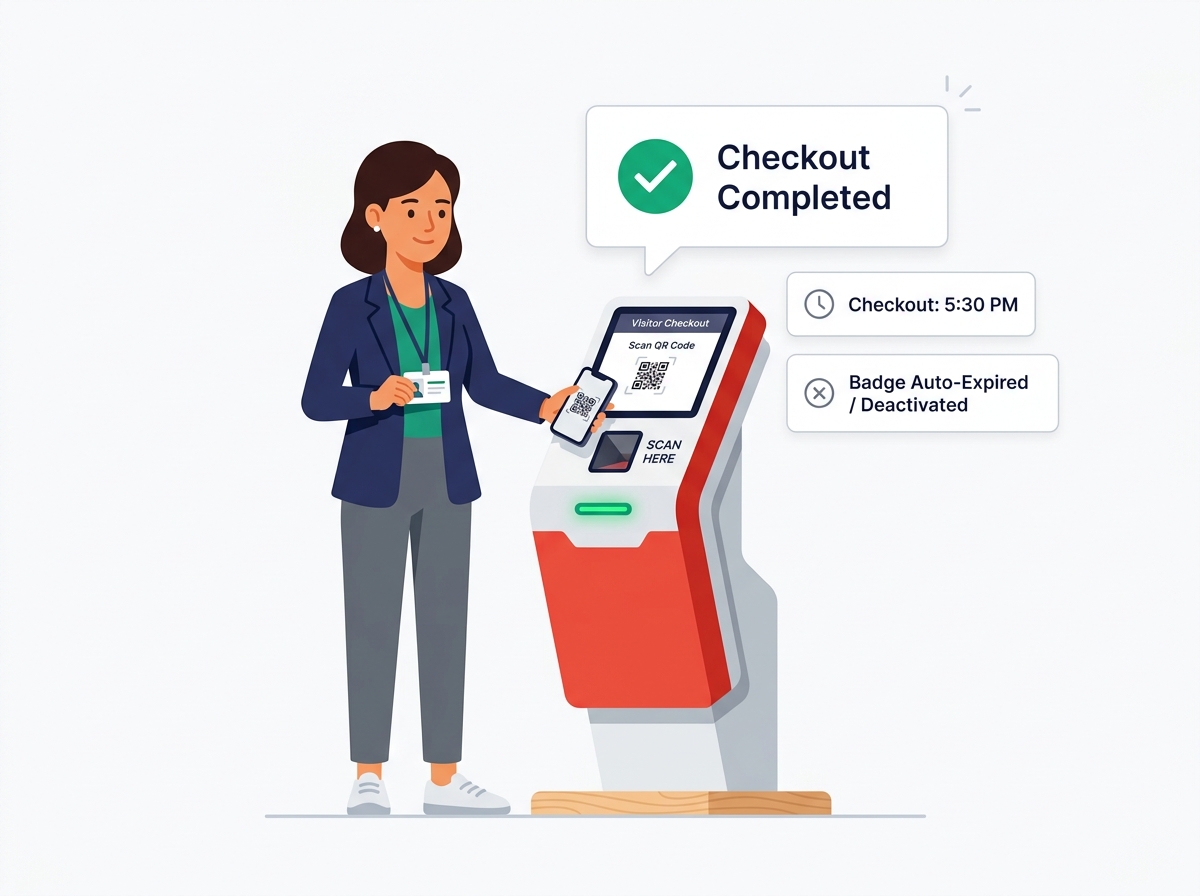
Badges are automatically deactivated when the visitor checks out or when the configured expiry time passes.

Badge Types per Visitor
Assign different badge templates by visitor type — guest, contractor, VIP, or delivery driver.
Your brand on every visitor badge — in minutes
The drag-and-drop badge designer lets you place your company logo, colour scheme, visitor photo, name, host, QR code, and any custom field in exactly the layout you want. No design software needed. Changes go live instantly across all check-in points and kiosks.
- Drag-and-drop field placement — logo, photo, name, host, QR, custom fields
- Multiple badge templates per visitor type with automatic assignment
- Live preview before publishing — what you see is exactly what prints
Badges that can't be reused after checkout
A visitor badge that remains valid after its intended visit is a security risk. Kaarobaarmeet.ai deactivates every badge automatically on checkout — or at a configurable time limit if the visitor forgets to check out. Security scanning a deactivated badge at any gate or checkpoint triggers an immediate alert.
- Badge deactivated instantly on visitor checkout or host sign-off
- Configurable time-based expiry for visitors who forget to check out
- Expired badge scan at gate triggers a real-time security alert
Check-In & Badges in Minutes
Design your badge template
Open the badge designer, drag your logo and fields into place, and set your brand colours. Preview and publish to all terminals in one click.
Connect your badge printer
Plug in any DYMO, Zebra, or Brother label printer. kaarobaarmeet.ai auto-detects it and starts printing badges the moment check-in is complete.
Set expiry rules and go live
Configure time-based or checkout-triggered expiry per visitor type. Badges start printing and expiring automatically from the first check-in.
Branded badges. Auto-expire. Zero admin.
Print custom visitor badges at check-in and auto-expire them at checkout. No credit card required to get started.