
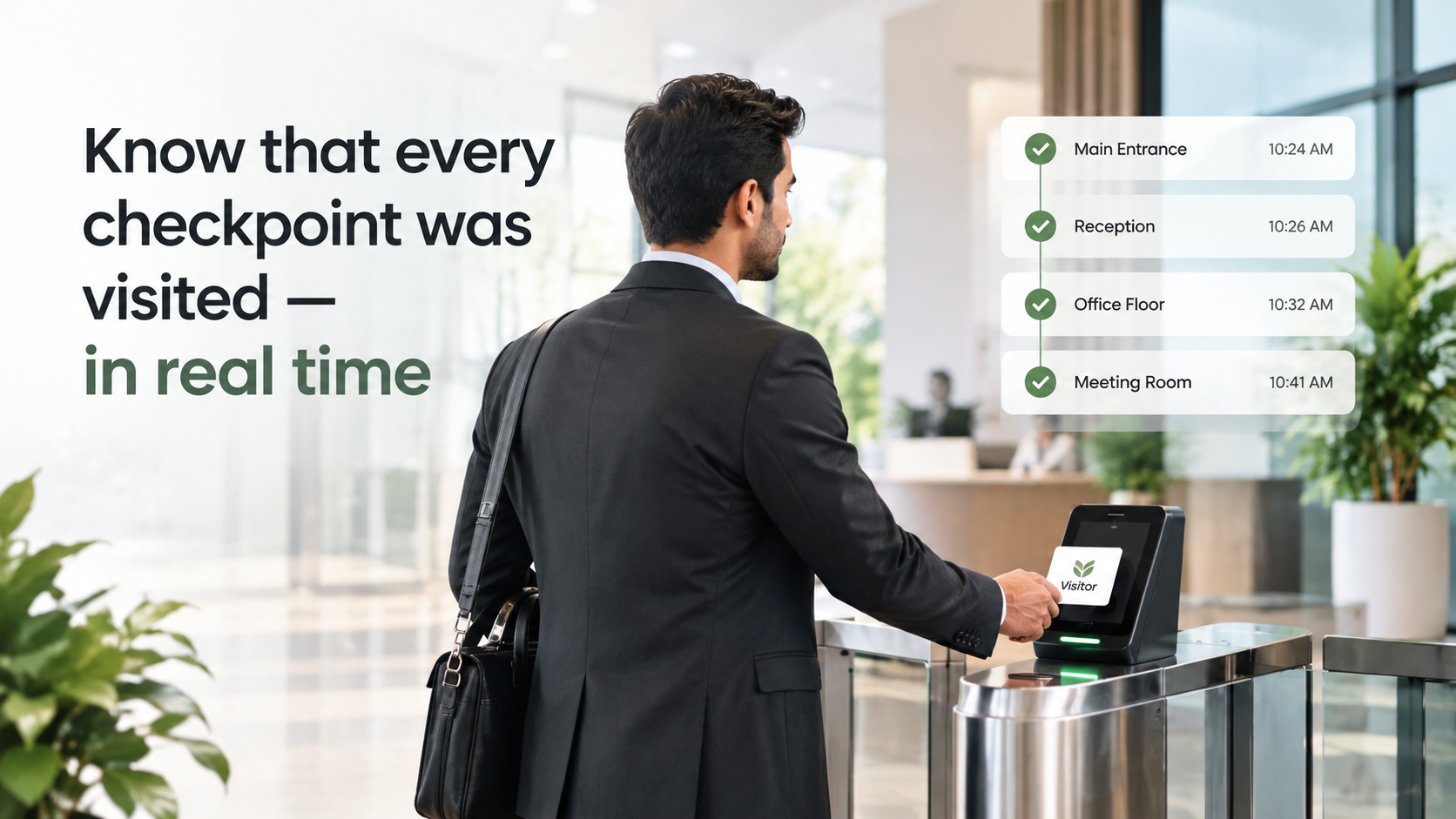
Every patrol round logged. Every missed checkpoint flagged.
Guards scan QR codes at each checkpoint on any smartphone. Supervisors see the live patrol trail — and get an instant alert when a round is missed.
How Security Checkpoints Works
QR Checkpoint Scanning
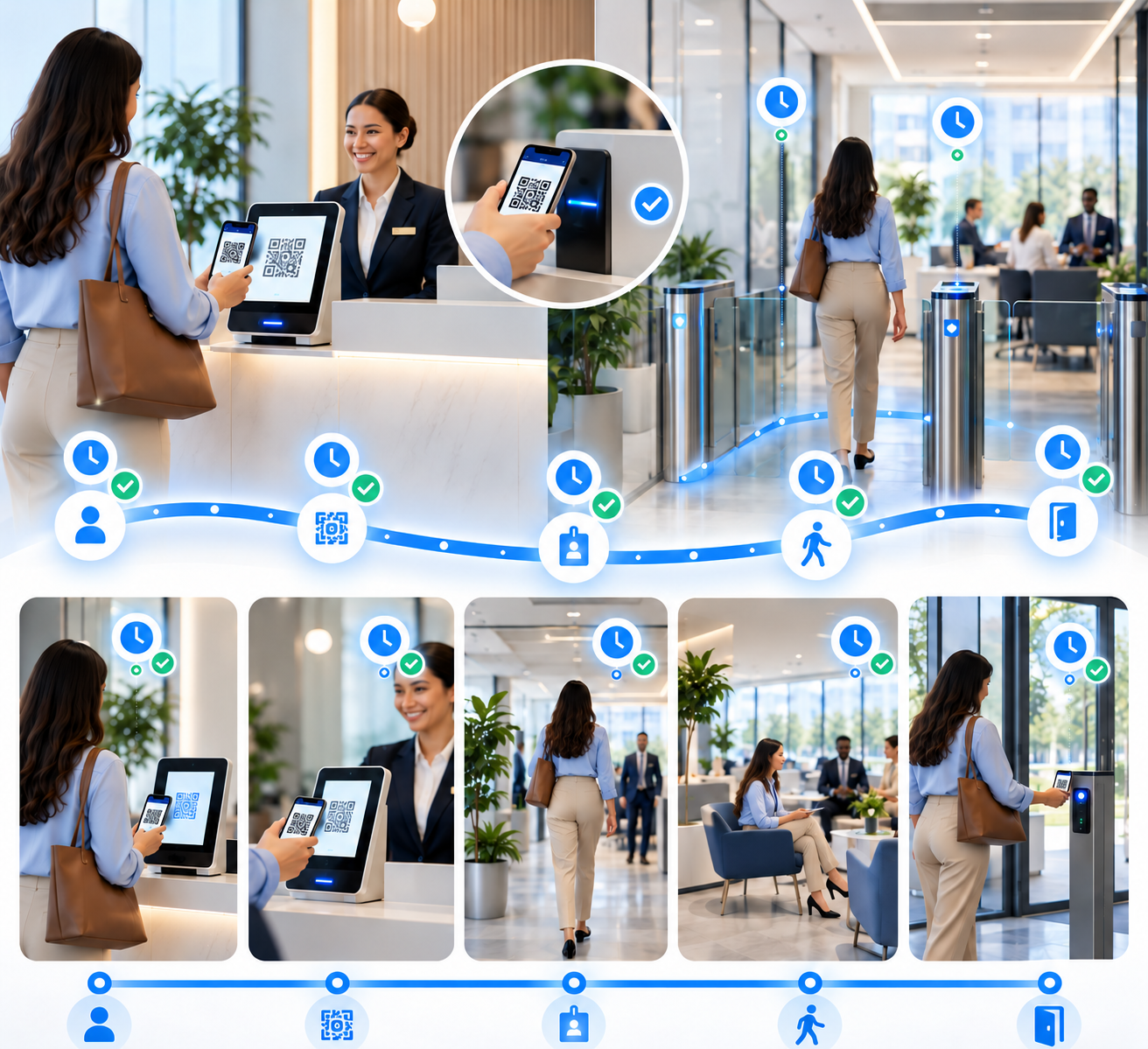
Print and place kaarobaarmeet.ai QR stickers at each patrol point. Guards scan them from any smartphone browser — no app download required.

Live Patrol Trail
Supervisor dashboard shows each guard's checkpoint scan history updating in real time — timestamp and location per scan.

Missed-Round Alerts
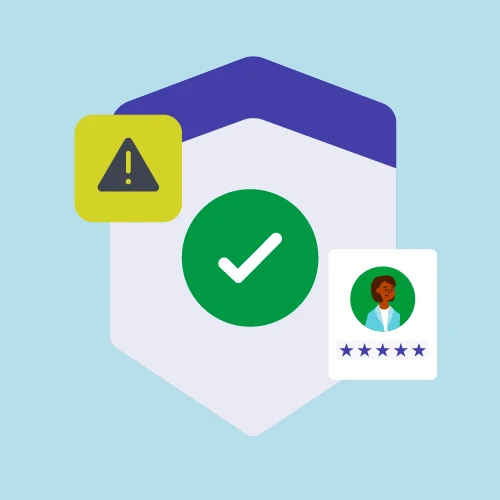
Configurable patrol schedules trigger an automatic alert to the duty manager when a checkpoint is not scanned within the window.

Multi-Guard Shift Management
Assign checkpoint routes per guard and shift. Each guard's patrol trail is tracked independently for accountability.

Perimeter & Indoor Zones
Configure checkpoints for outdoor perimeters, indoor floors, parking lots, and server rooms — all tracked in the same system.

Shift Compliance Reports
End-of-shift report showing scan completion rate per guard, missed rounds, and time-between-checkpoint averages.
See exactly where each guard is — without radio check-ins
Paper patrol logs are filled in after the shift and impossible to verify. With kaarobaarmeet.ai, guards scan a QR sticker at each checkpoint as they complete their round. Every scan is timestamped and appears on the supervisor's live dashboard within seconds. Supervisors can see each guard's current checkpoint, their full trail for the shift, and any gaps in coverage — without a single radio call.
- Each QR scan creates a timestamped record tied to the guard's login
- Supervisor dashboard shows live patrol progress per guard and per route
- Historical patrol data searchable by guard, date, shift, or checkpoint
Missed patrols are flagged before the shift ends
A patrol that wasn't completed is a security gap — and nobody knows until something goes wrong. kaarobaarmeet.ai lets supervisors configure patrol schedules with required scan windows per checkpoint. If a guard doesn't scan a checkpoint within the window, an alert fires automatically to the duty manager with the checkpoint name, the expected time, and the guard assigned. End-of-shift compliance reports show scan rate per guard for review and accountability.
- Patrol schedules set per shift — expected scan time per checkpoint
- Automatic alert to duty manager when a checkpoint window is missed
- Shift compliance report shows missed rounds, late scans, and scan completion rate
Security Checkpoints in Minutes
Place QR stickers at your patrol points
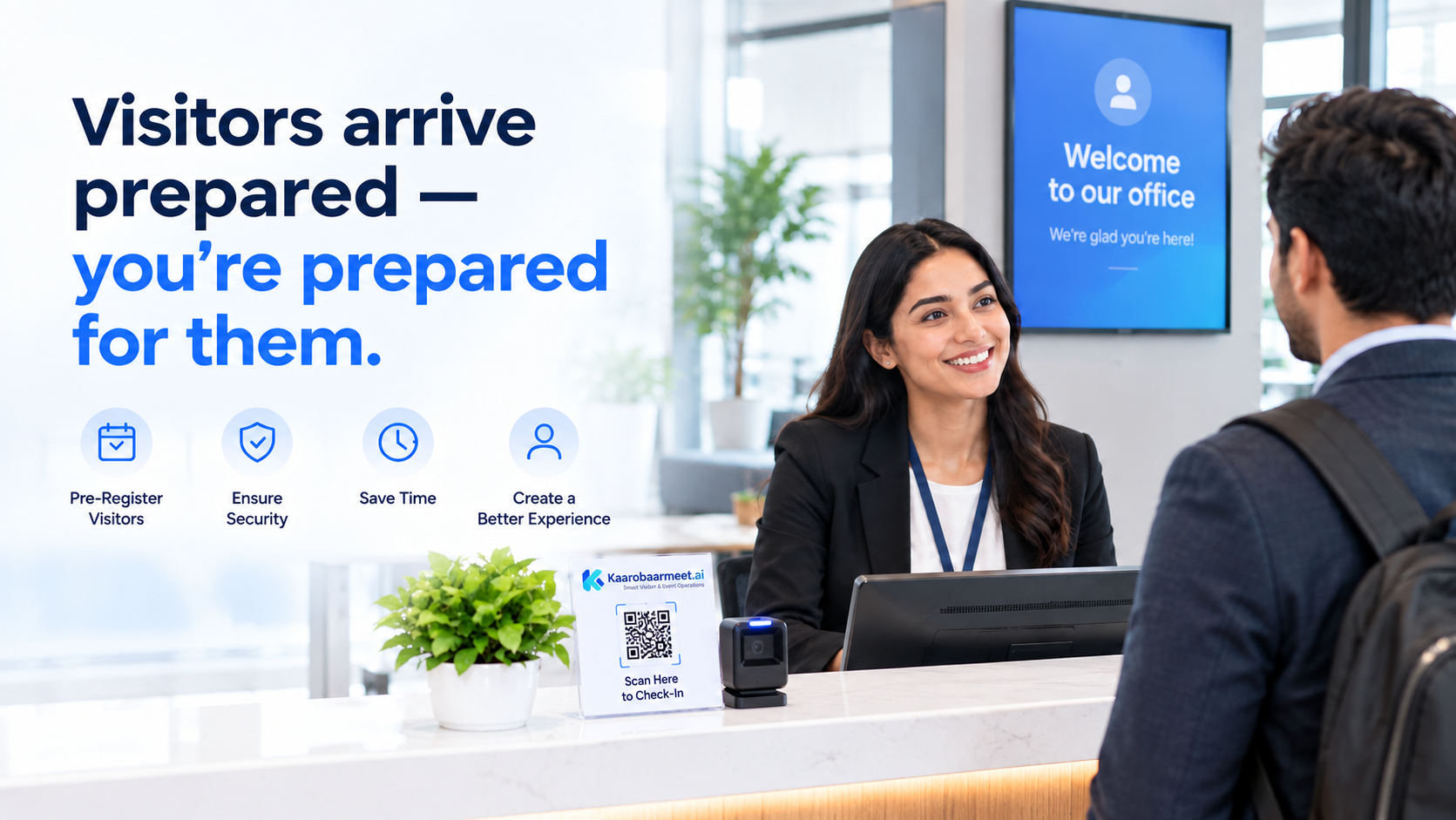
Print kaarobaarmeet.ai QR labels and attach them at each checkpoint location — perimeter gates, stairwells, server rooms, parking levels. Takes about 20 minutes for a standard facility.
Assign guards to routes and configure schedules
Create patrol routes, assign guards per shift, and set the required scan window for each checkpoint. Guards log in on their phone — no app download needed.
Monitor live and review shift reports
The duty supervisor watches the live patrol dashboard and receives missed-round alerts automatically. The shift compliance report is generated at handover.
Prove every round was completed — every shift.
QR patrol checkpoints, live trail tracking, and missed-round alerts. Works on any smartphone. No credit card required.